Communicating With Learners - and Helping Learners Connect
A thriving online school doesn’t just deliver content - it builds connections. In LearnWorlds, you have multiple ways to engage your learners, keep them informed, and encourage peer-to-peer interaction.
Write your awesome label here.
One-to-Many Communication
School emails
Use customizable templates to automatically notify users of important events - like account creation, course enrollment, course completion, or password reset.
Mass emails
Send transactional or marketing messages to multiple users at once - either immediately or scheduled for later. Combine this with advanced user filtering for precise targeting. (Requires connecting a custom email domain.)
Email reminders for live sessions
Ensure high attendance rates by automatically sending reminders for upcoming native live sessions (Zoom, Webex, Microsoft Teams, Google Meet).
Email marketing integrations
Connect your email marketing tool to sync users, leads, and platform data like tags, enrolled courses, and completions.
Push notifications (mobile apps add-on)
Send or schedule mobile notifications to targeted users. Use the same advanced filtering options as with mass emails for better engagement.
Automation triggered messages
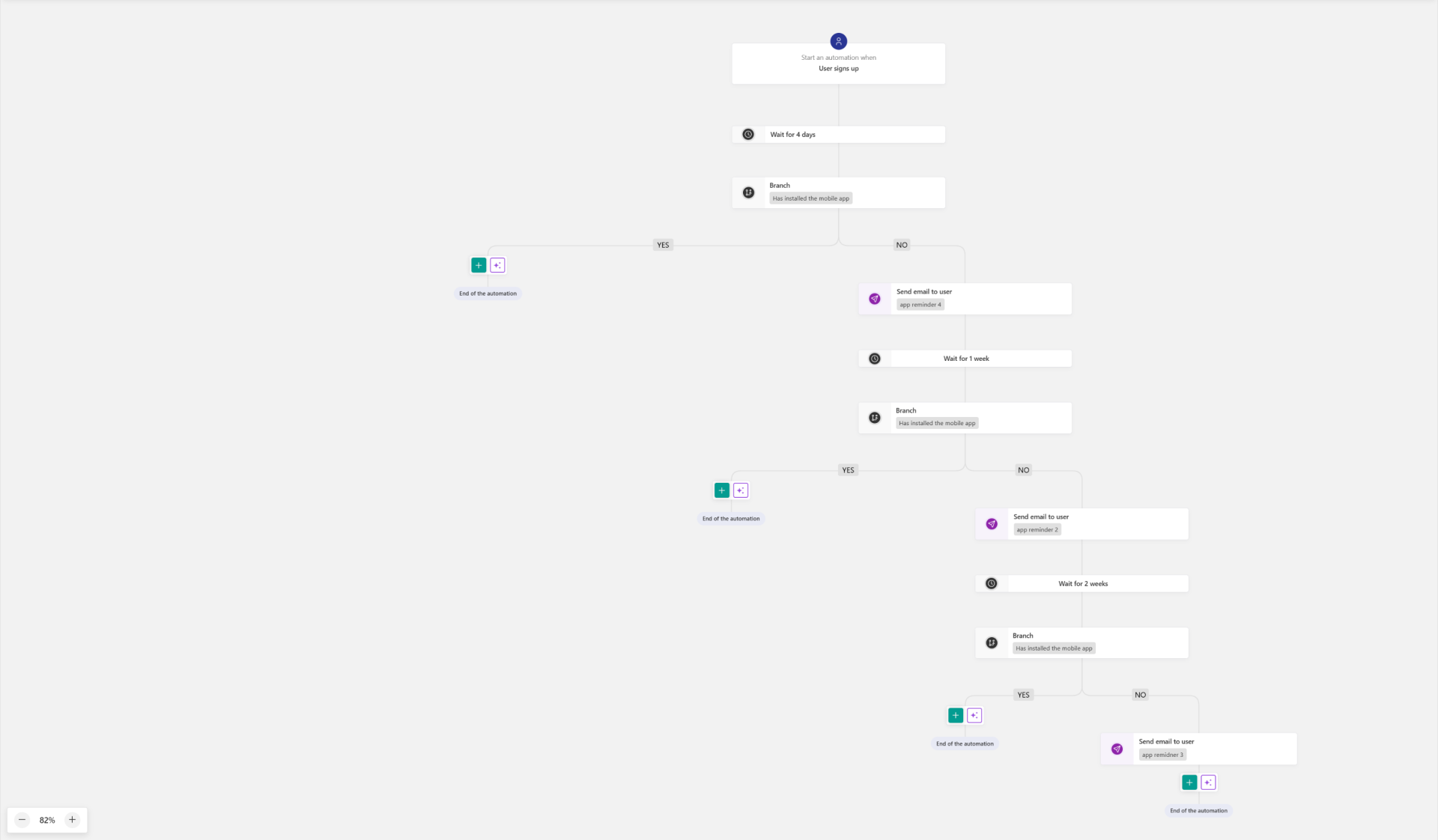
- Emails: Send messages when specific triggers are met - e.g., user signs up, reaches a progress milestone, completes a payment, uses a coupon, or submits a form.
- Push Notifications: Similar triggers for mobile notifications.
Personalize & Elevate Your Emails
One-to-One Communication
Allow direct, private exchanges when needed.
Inbox messaging
Write your awesome label here.
Community & Peer-to-Peer Engagement
A community doesn’t just happen. It’s cultivated. A thriving learning community needs continuous care, intentional engagement, and thoughtful structure. Without dedicated support, even the most promising learning spaces can become stagnant. That’s why investing in a community or space manager can make all the difference. Whether it's facilitating learner interactions, curating content, or fostering a sense of belonging, this role can help transform your School into a vibrant hub of collaboration and growth.
Read from our blog
Support & Contact Options
Make it easy for learners to get the help they need.
-
Contact forms
Place forms on any page so users can reach out. All submissions are sent to your school’s email address.
Write your awesome label here.
Notifications for Admins and Custom Roles
System email notifications
In the School Emails section, you can enable specific email templates to notify team members when important events occur, such as:
- New user sign-ups
- Course enrollments or completions
- Payments received
- Support requests via contact forms
You can customize each template’s content and choose exactly who receives it, ensuring relevant updates reach the right people.
Trigger-based notifications via automations
For more tailored alerts, use User Automations to send emails (or push notifications if you have the mobile apps add-on) when a specific trigger occurs. Common triggers include:
- A new enrollment in a specific product
- A user reaching a course progress milestone
- A payment or subscription update
- Submission of a form or assessment
- Inactivity for a set number of days
You can combine multiple conditions with advanced filters to make sure notifications are highly relevant — for example, alerting a community manager when a VIP-tagged learner posts for the first time, or notifying a support agent when a user’s subscription fails.
Created with